

This guide will walk you through the process of integrating Dub Analytics with Google Tag Manager (GTM).
Create a New Tag
First, navigate to your Google Tag Manager account and create a new tag:
- Click on Tags in the left sidebar
- Click the New button
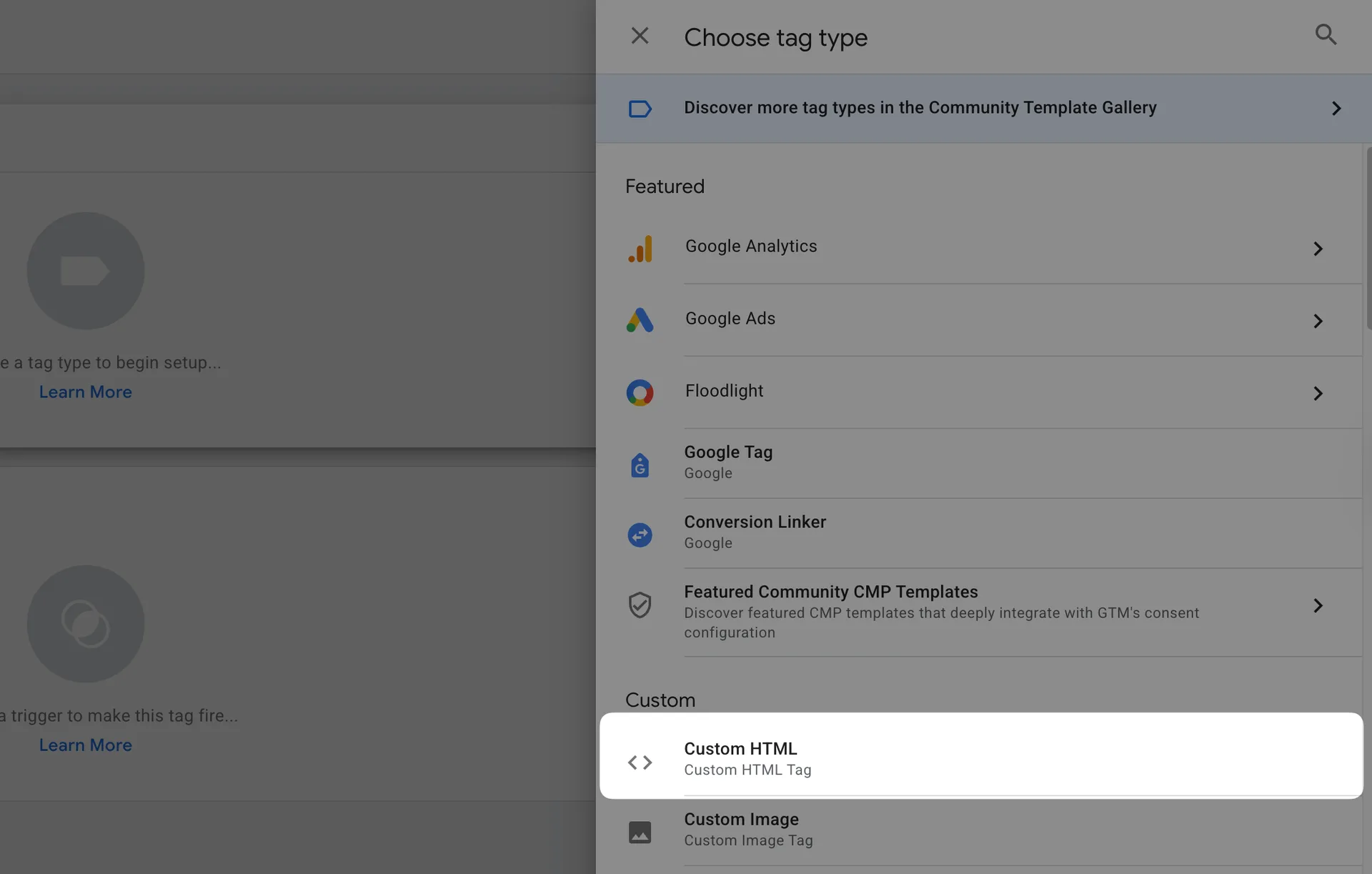
- Select Custom HTML as the tag type
Add the Dub Analytics Script
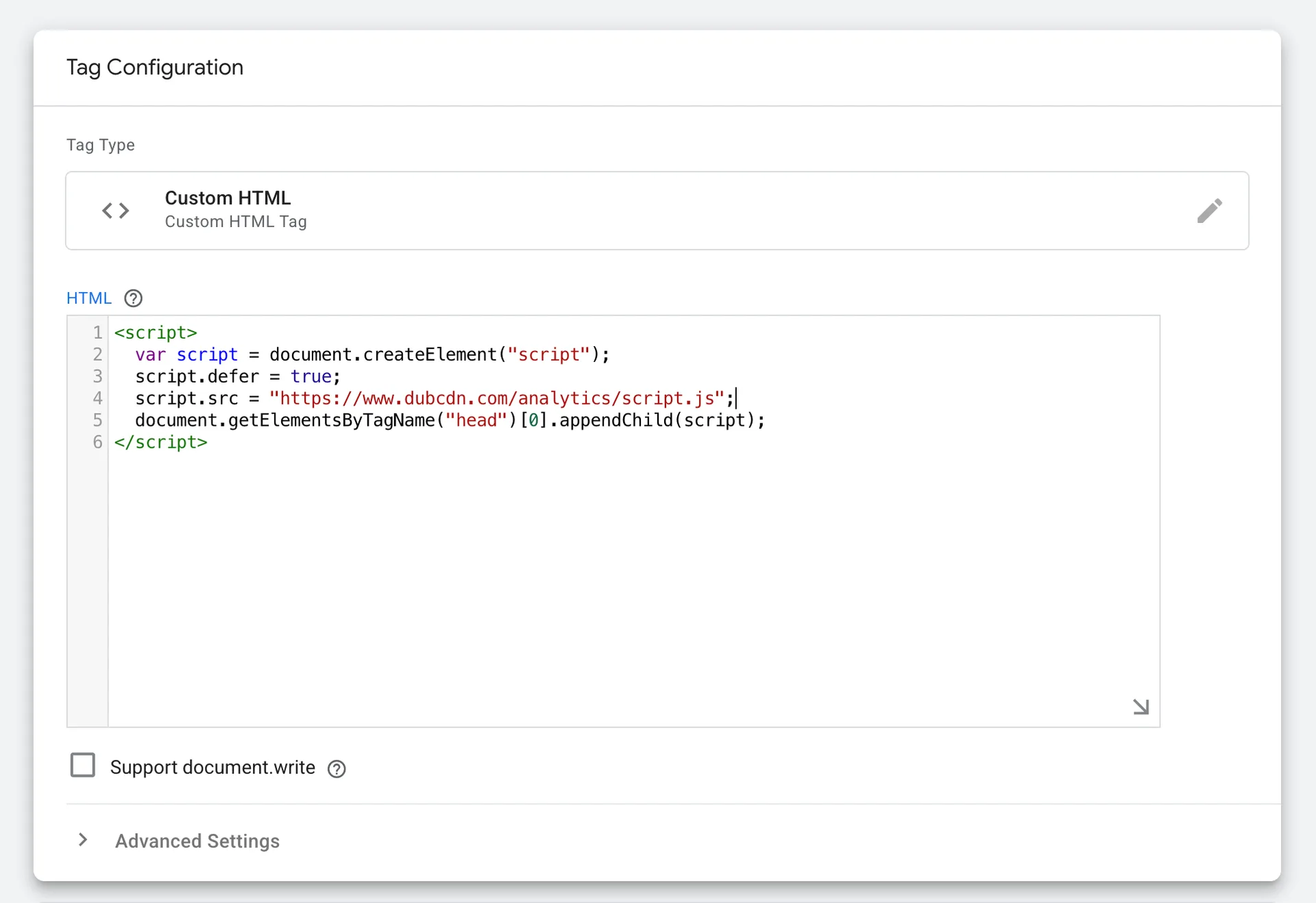
In the Custom HTML section, you'll need to add the Dub Analytics script. Copy and paste the following code into the HTML field:
If you're using Dub Partners for affiliate management, you will also need to set up the data-domains property to enable client-side click-tracking.
Configure the Trigger
To ensure the analytics script loads on all pages:
- Click on the Triggering section
- Select All Pages as the trigger type
- This will make the tag fire on every page load
Save and Publish
- Name your tag Dub Analytics
- Click Save to store your changes
- Click Submit to create a new version
- Finally, click Publish to activate the tag on your website
You can verify the installation with the following tests:
- Open the browser console and type in
_dubAnalytics– if the script is installed correctly, you should see the_dubAnalyticsobject in the console. - Add the
?dub_id=testquery parameter to your website URL and make sure that thedub_idcookie is being set in your browser.
If both of these checks pass, the script is installed correctly. Otherwise, please make sure:
- The analytics script was added to the
<head>section of the page - If you're using a content delivery network (CDN), make sure to purge any cached content
Concepts#
You can pass the following props to the Dub Analytics script to customize its behavior:
The base URL for the Dub API. This is useful for setting up reverse proxies to avoid adblockers.
Default: "https://api.dub.co"
The attribution model to use for the analytics event. The following attribution models are available:
first-click: The first click model gives all the credit to the first touchpoint in the customer journey.last-click: The last click model gives all the credit to the last touchpoint in the customer journey.
Default: "last-click"
Configure the domains that Dub will track. The following properties are available:
Show propertiesHide properties
The Dub custom domain for referral program client-side click tracking (previously data-short-domain).
Example: refer.dub.co
The Dub short domain for tracking site visits.
Example: site.dub.co
An array of domains for cross-domain tracking. When configured, the existing dub_id cookie
will be automatically appended to all outbound links targeting these domains to enable
cross-domain tracking across different applications.
Example: "dub.sh, git.new"
An array of query parameters to listen to for client-side click-tracking (e.g.
?via=abc123).
Default: "[\"via\"]"