

On Dub, you can filter between QR code scans, link clicks, and deep link open events in your Dub analytics. This lets you understand how people are finding your links.
Here's how you can do that:
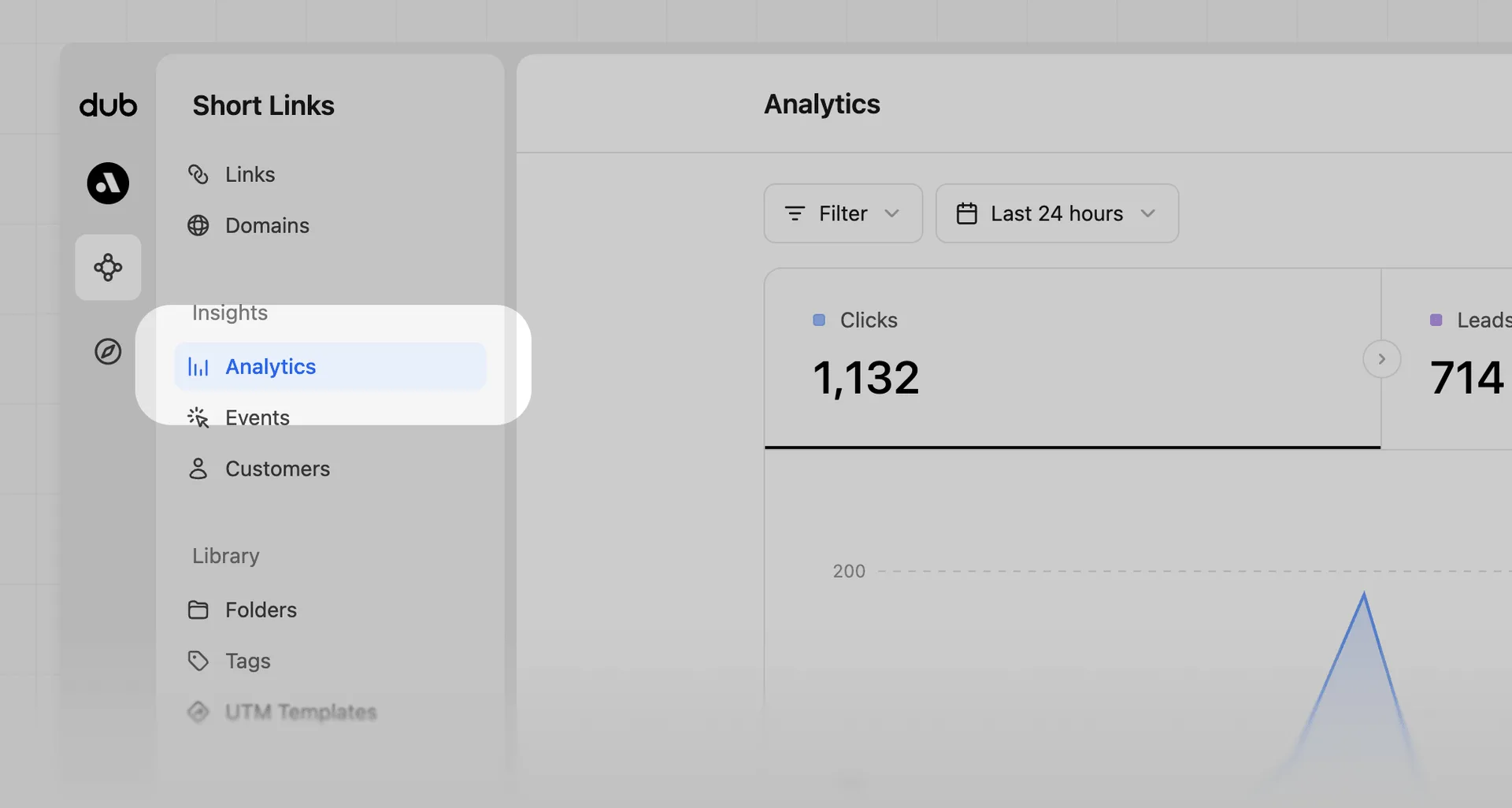
Go to your Analytics dashboard
Click on the Analytics page in the Insights group of your workspace short links.
Open Analytics filter dropdown
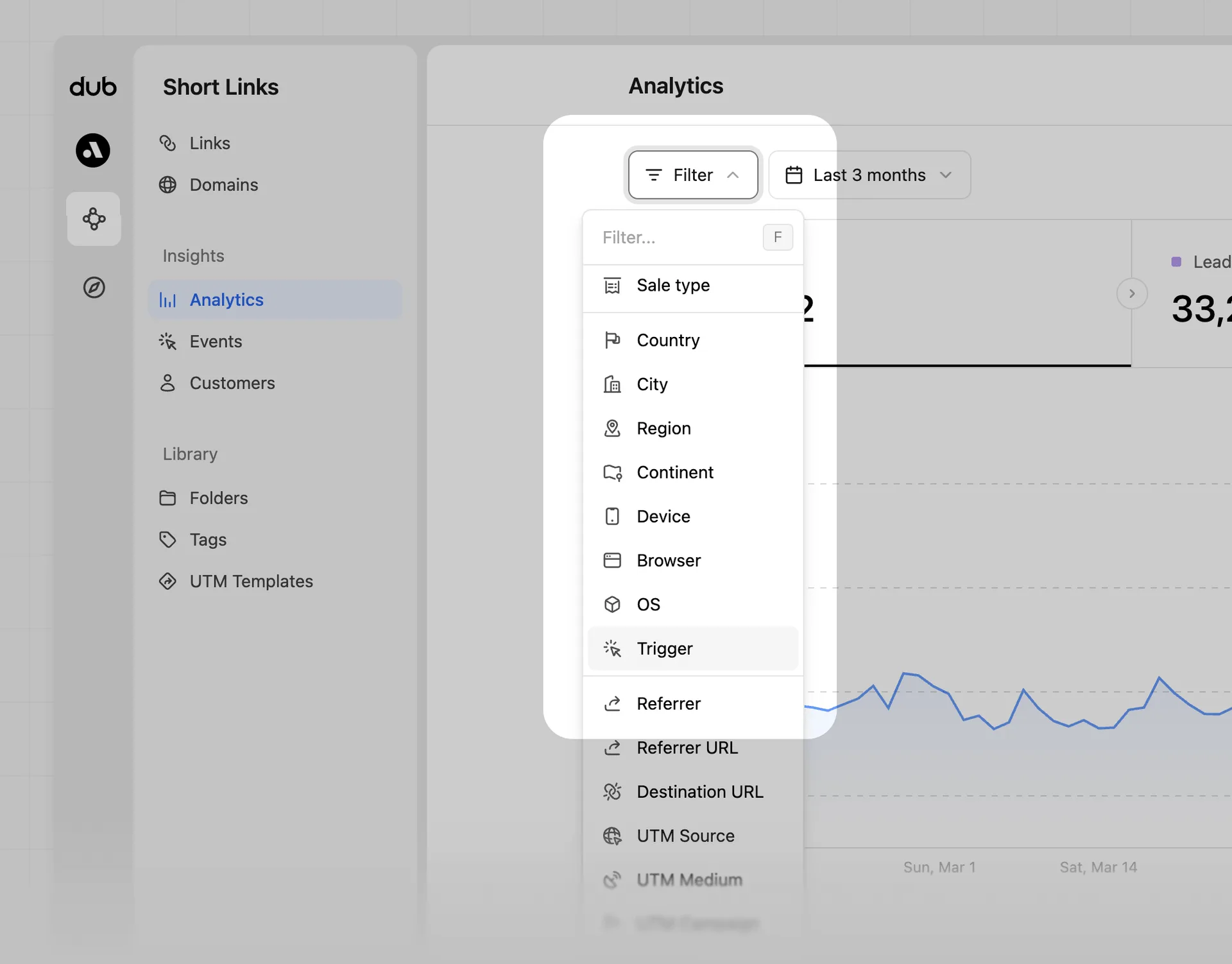
Then, click on the Filter button to open the filter dropdown:
Select the 'Trigger' filter option
Click on Trigger to show available data options. If there are no results, filters won't appear.
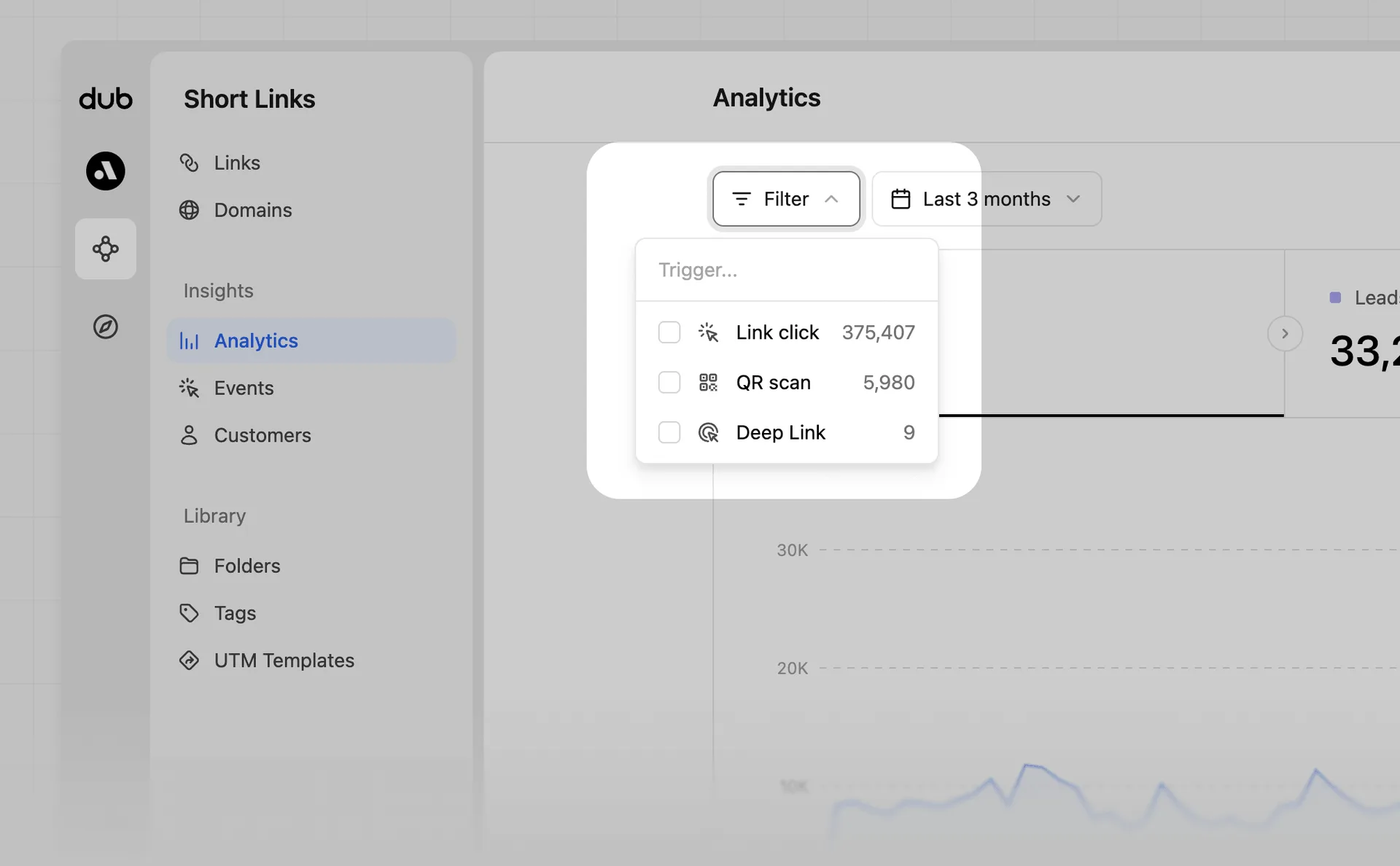
Choose to filter by Link click or QR Scan
Lastly, click on the Link click, QR Scan, or Deep Link option to filter your data.
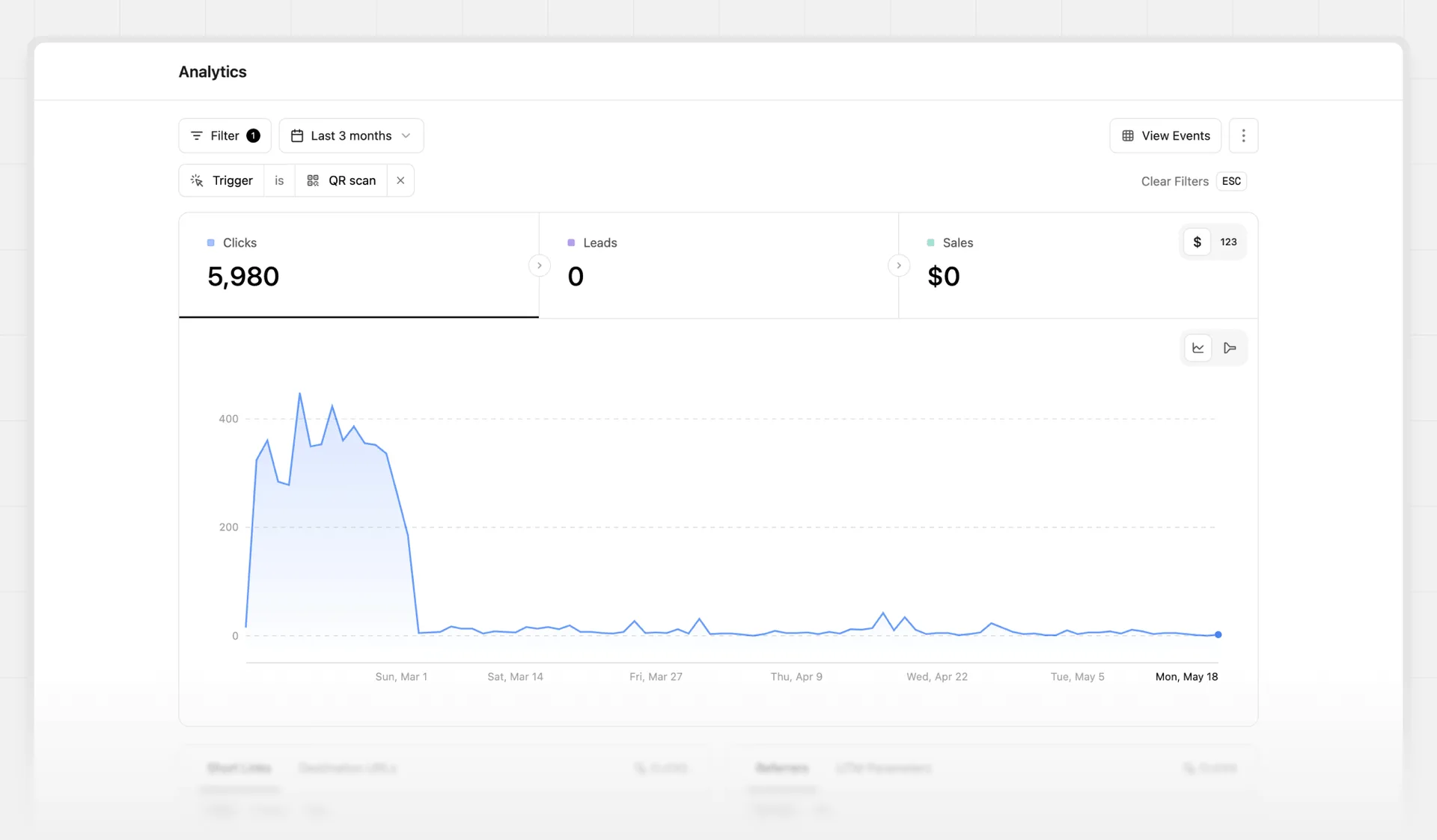
Voila! You have successfully filtered your analytics by QR code scans, link clicks, or deep link open events!