

If you want to expand your partnerships or join new programs on Dub, this guide walks you through how to browse available programs, review their details, and submit an application.
Where to find the Program Marketplace#
From Your Programs navigation, click Marketplace.
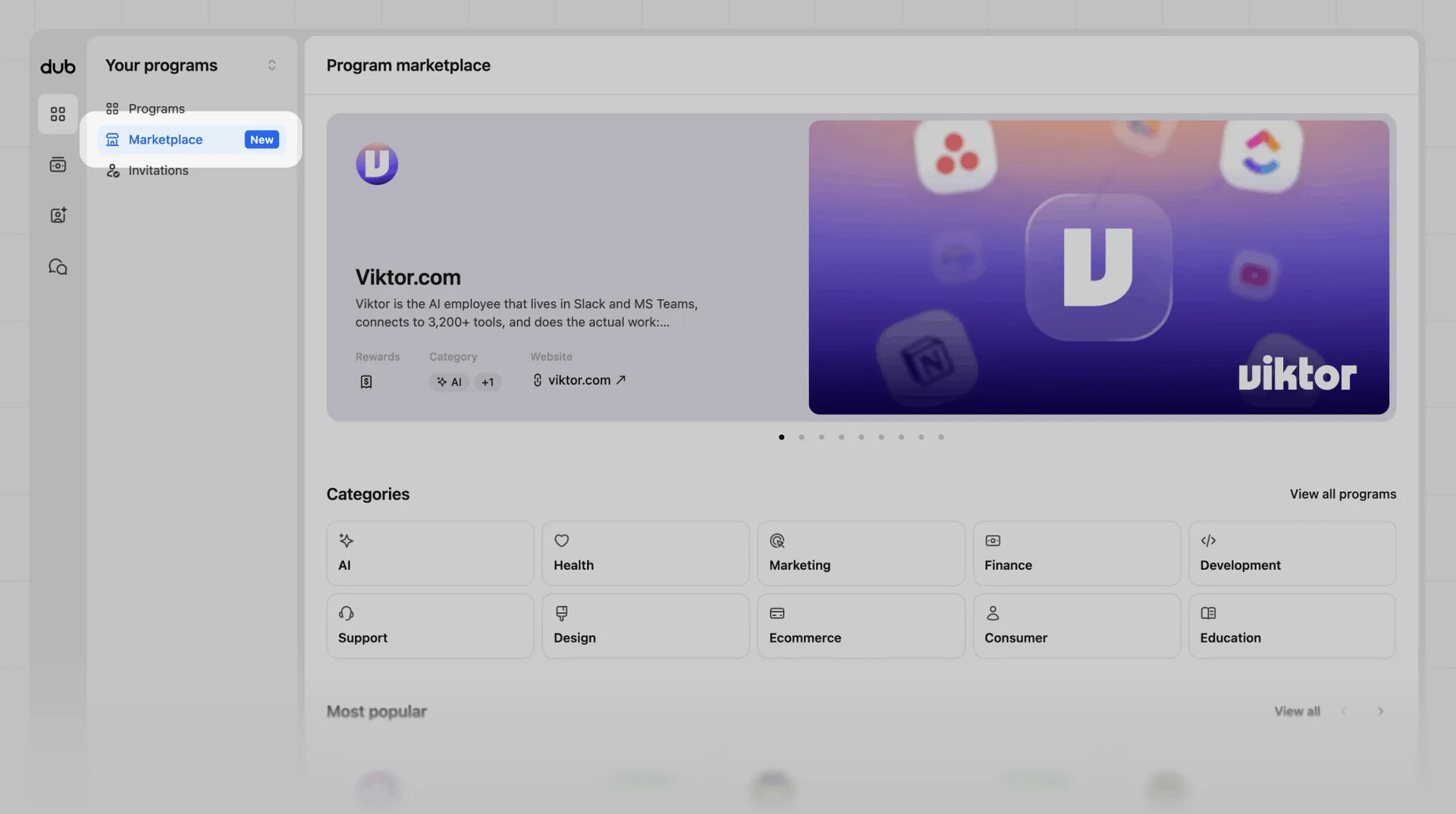
Here you can browse featured programs, marketplace categories, and programs in each category to learn more about and apply to.
All programs#
To view all programs in the marketplace, click View all programs or select a category from the list. This view will show you all the Dub programs available to apply to, along with their reward types and categories.
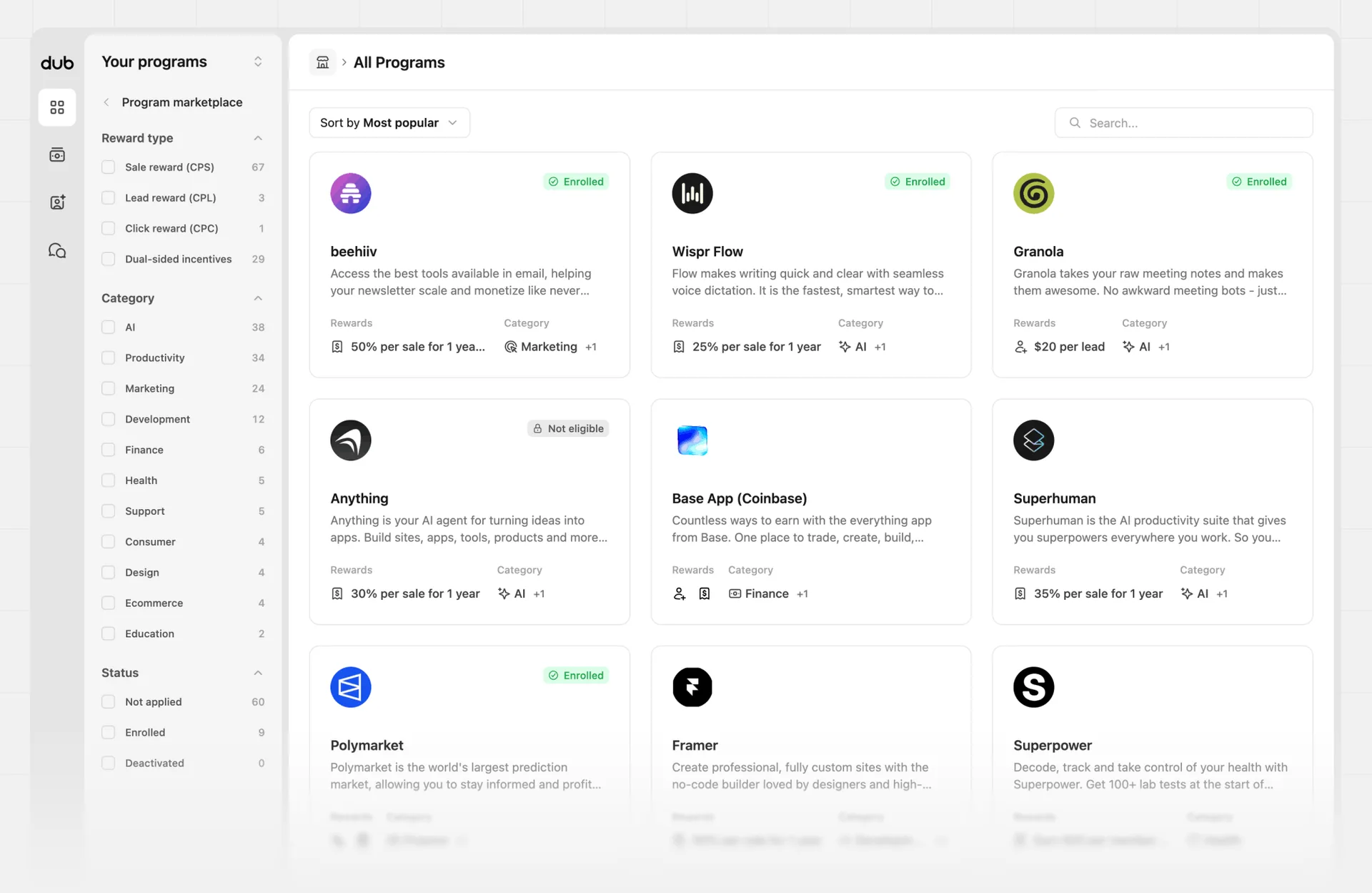
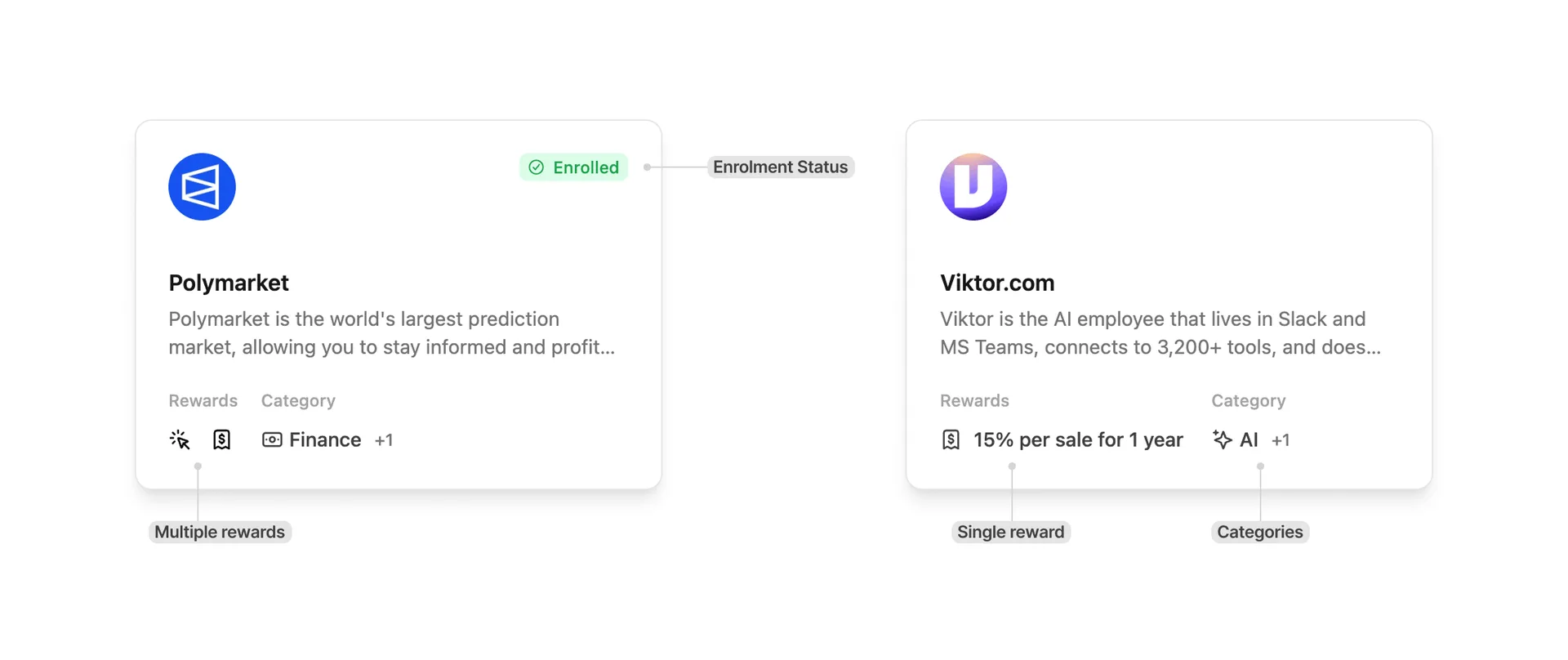
On the program cards, you'll get a quick overview of the program, including the rewards offered, the program categories, a brief description of the company, and your enrolment status. Hover over some of the details to see more information.
Click the program card to view the full details of the program.
Filtering#
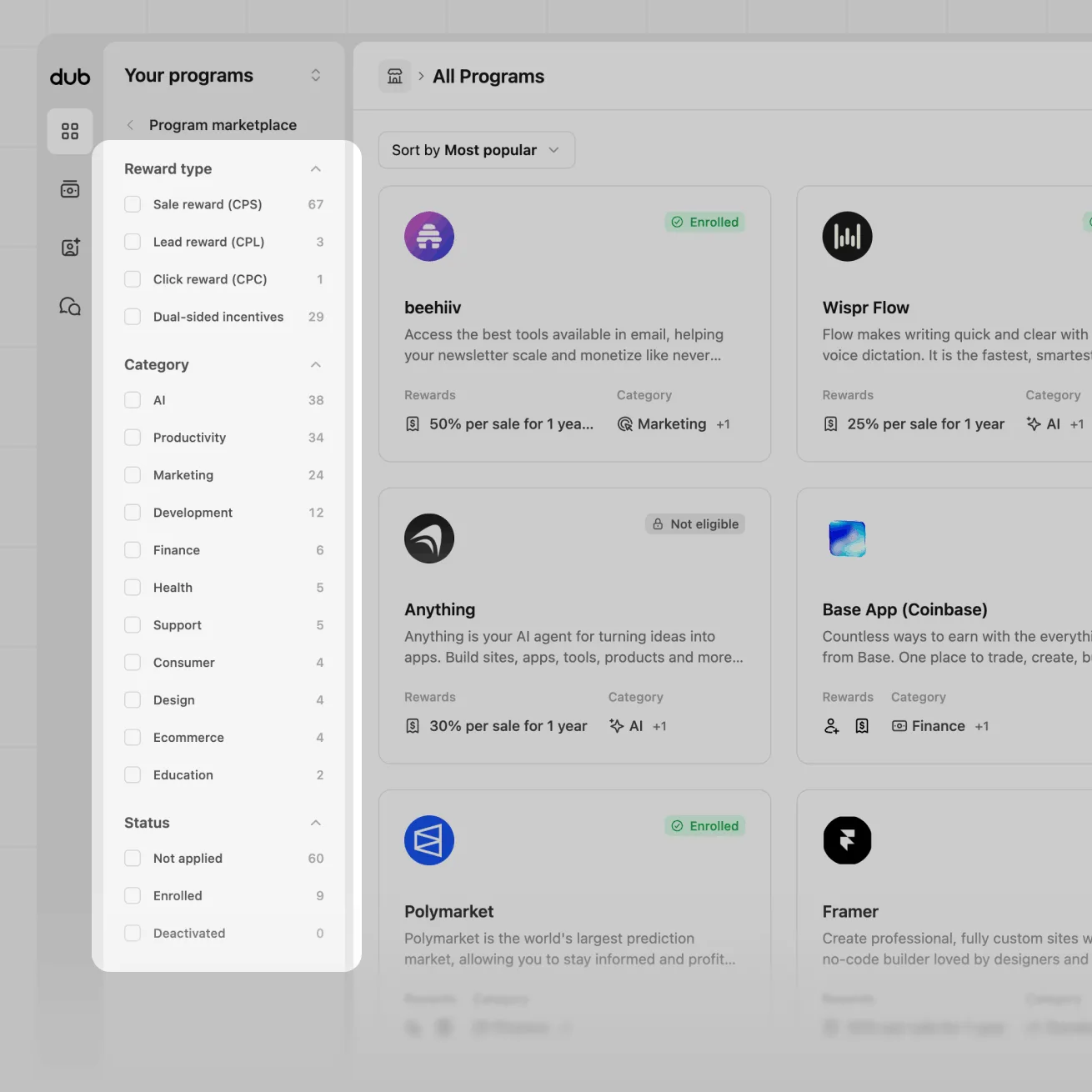
You can filter the programs available by their reward type, category, and enrolment status.
Sorting#
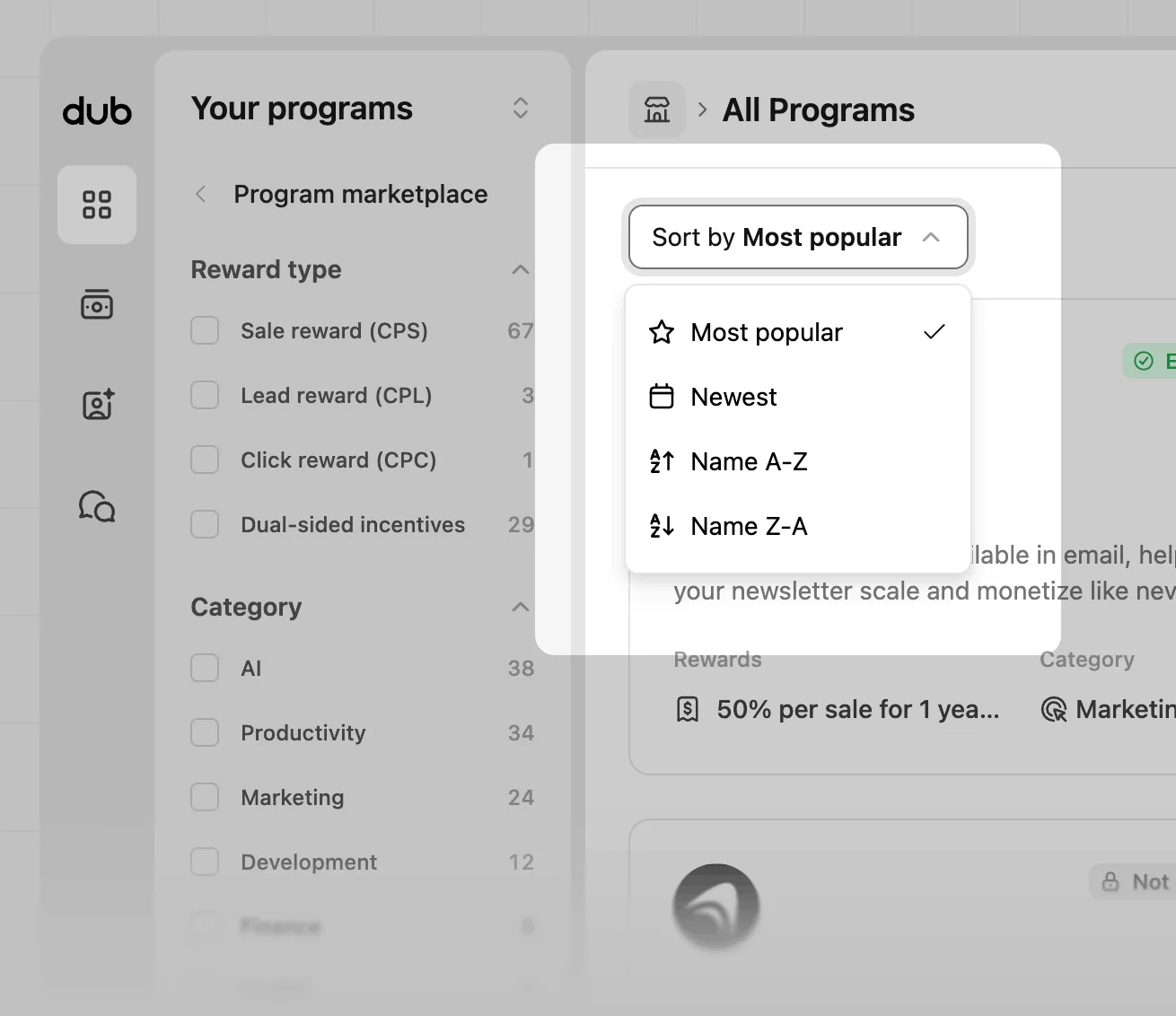
You can also sort the results by most popular, newest, or alphabetical order. By default the grid is sorted by most popular, giving a sense of what programs to apply to first.
Viewing program details#
To view details about a program, click any program card.
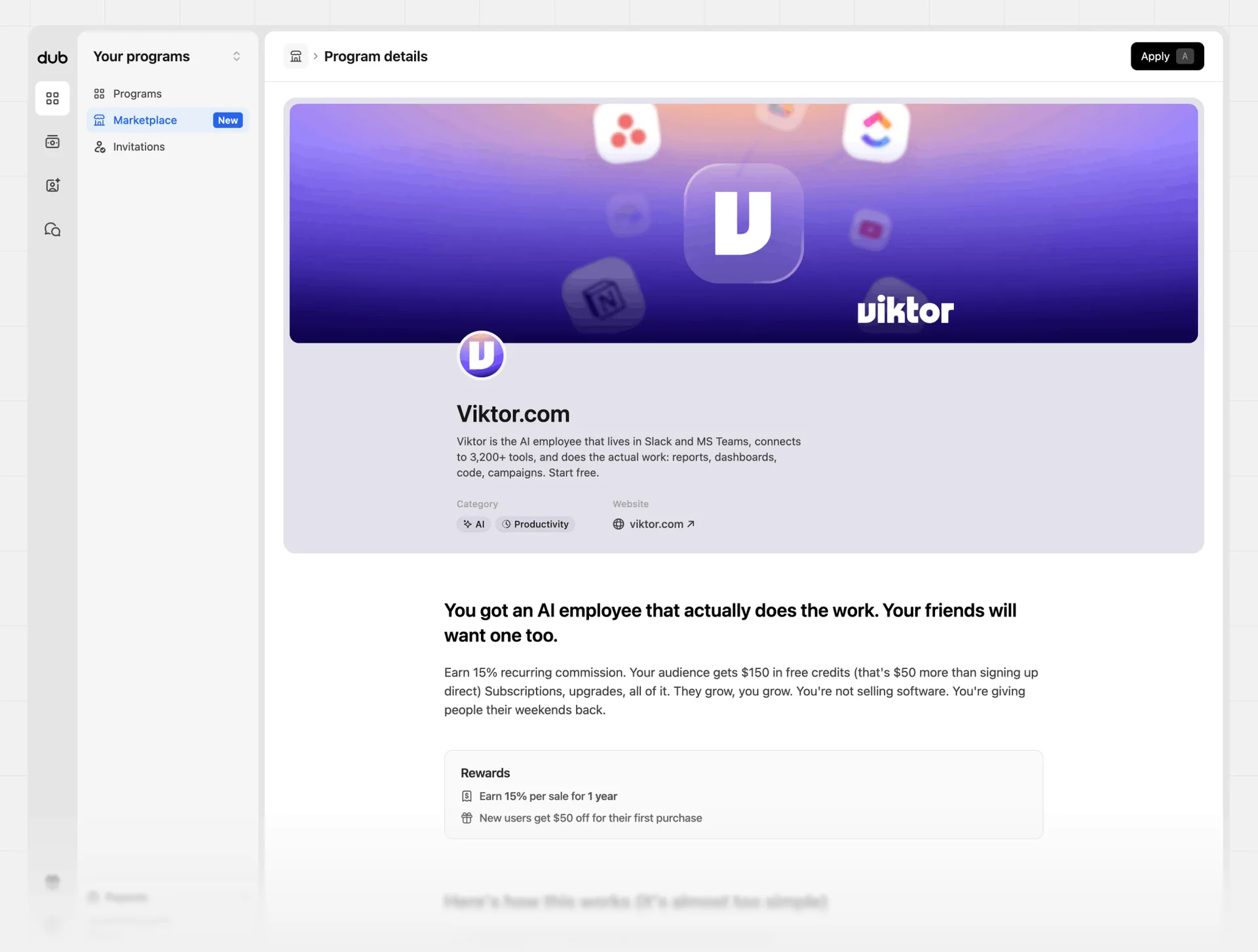
The program details page includes:
- Product description
- Rewards offered
- Program categories
The page might also include:
- Eligibility requirements
- Additional supporting content to help you understand the partnership
Joining the Dub Partner Network#
Before you can apply to programs in the marketplace, your partner profile needs to be accepted into the Dub Partner Network.
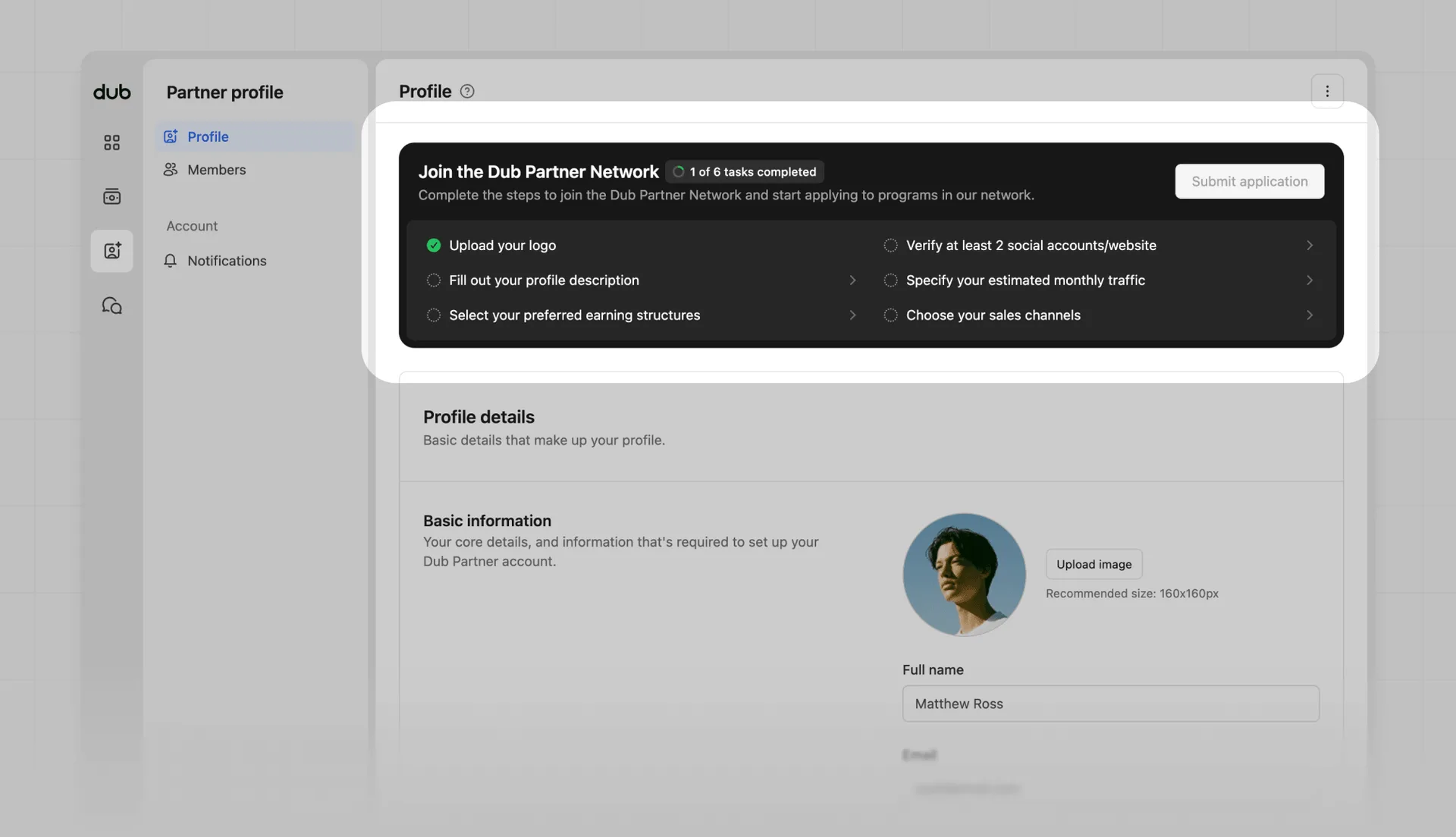
To submit your Dub Partner Network application, complete all 6 tasks in your profile page:
- Upload your logo
- Verify at least 2 social accounts/website
- Fill out your profile description
- Specify your estimated monthly traffic
- Select your preferred earning structures
- Choose your sales channels
Once all tasks are complete, click Submit application. Your application will be reviewed by the Dub team.
| Status | Description |
|---|---|
| Submitted | Your Dub Partner Network application is under review. You will be able to apply to marketplace programs once it is approved. |
| Approved | You can apply to programs in the marketplace and get discovered by brands in the Dub Partner Network. |
| Rejected | Your Dub Partner Network application was not approved. Continue improving your profile and reapply in the future. |
A complete, verified profile helps programs understand who you are, where you reach your audience, and which partnerships are the best fit for you.
Applying to a program#
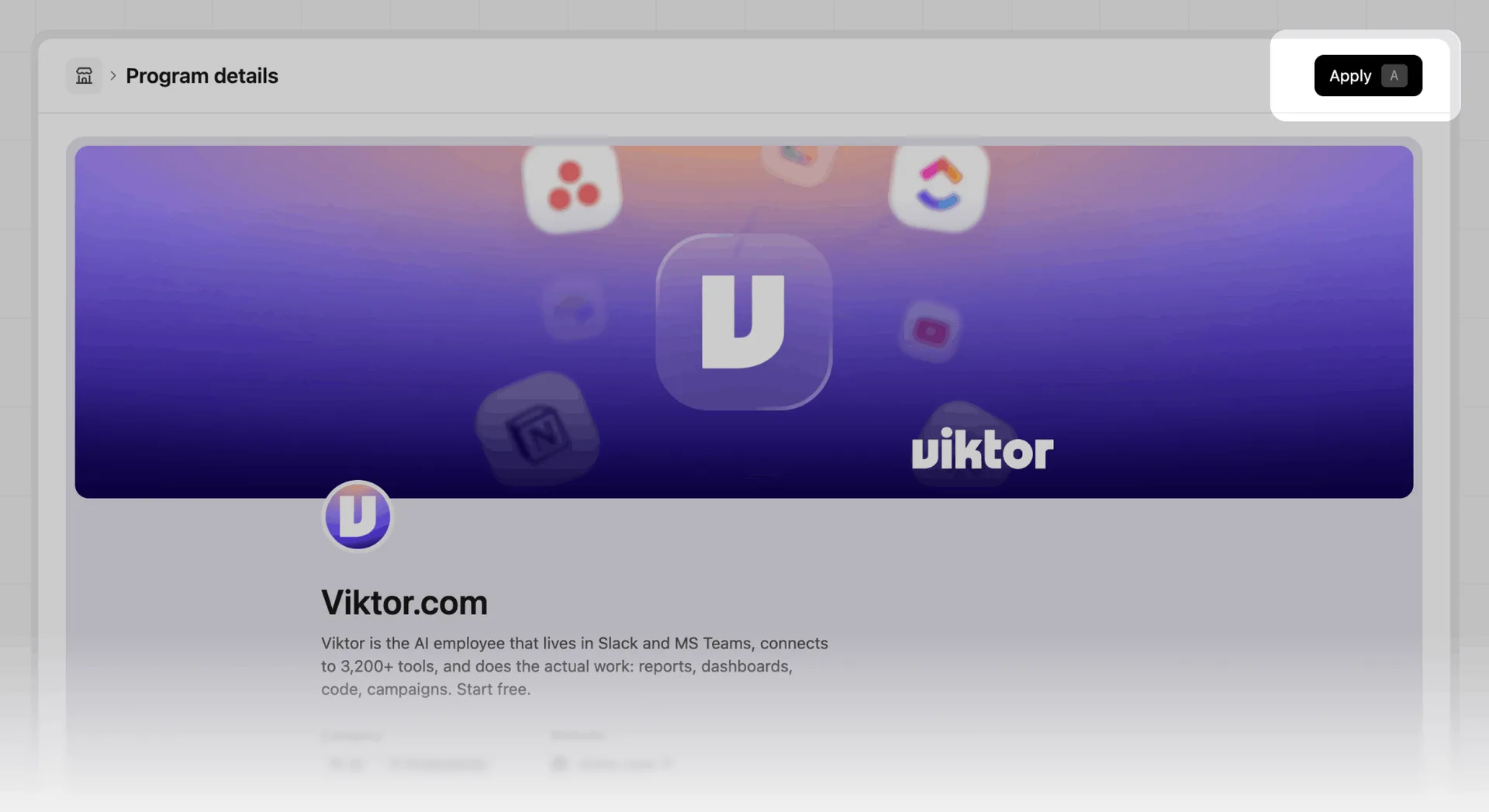
After your Dub Partner Network application is approved, click the Apply button in the top right of the Program details page.
Each program has its own application and enrolment requirements. Fill out the form as accurately as possible to increase your chance of approval.
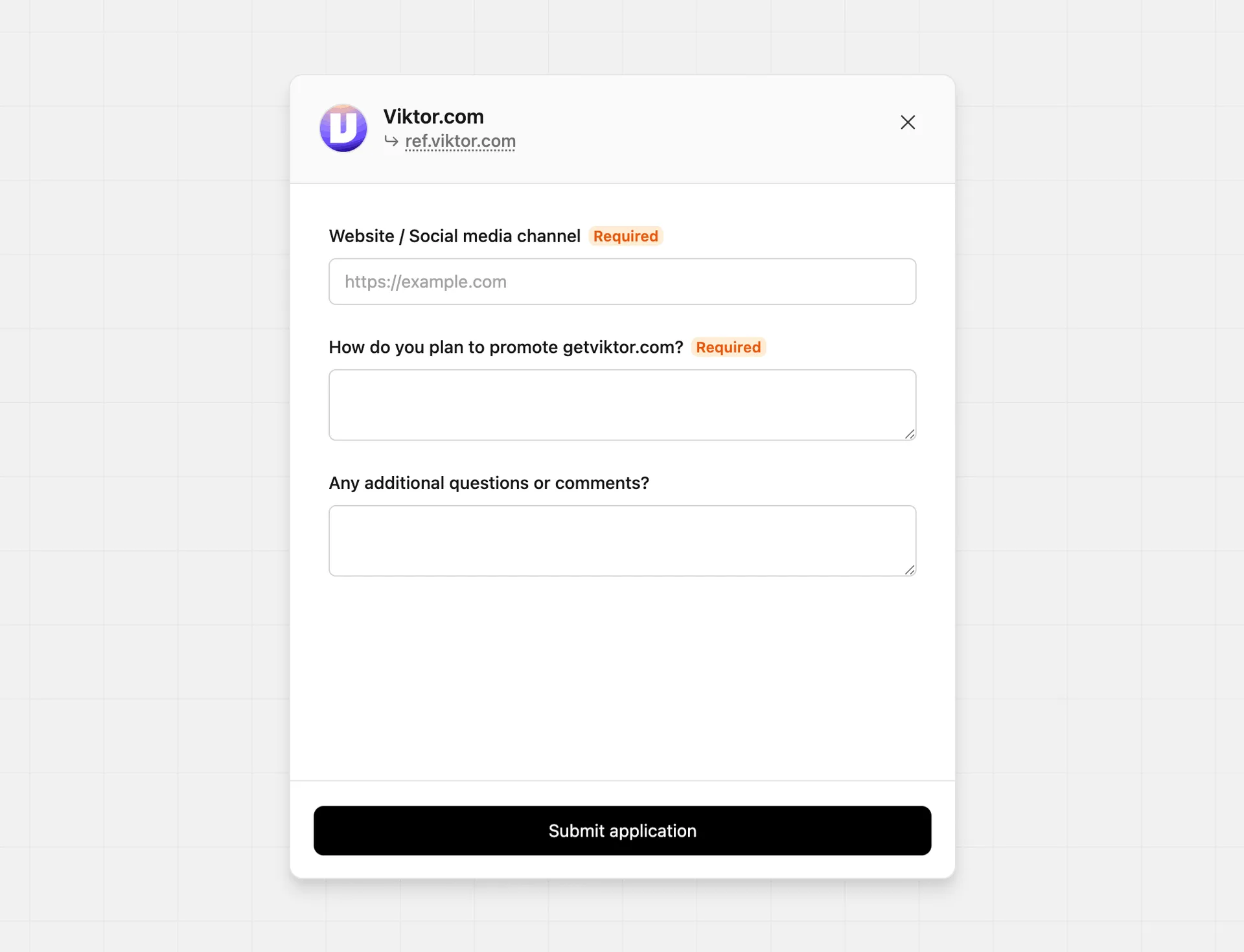
Before applying, make sure your profile is up to date and as complete as possible. Learn more
After completing the form, click Submit application. You will be notified by email once your application is approved.
Enrolment status#
The program details page and card view will show your enrolment status for each program in the marketplace.
| Status | Description |
|---|---|
| No status | You have not applied to this program yet. |
| Enrolled | You are approved and enrolled in the program. |
| Applied | Your application is under review. You will be notified by email once your application is approved. |
| Rejected | Your application was not approved. The program may also decide if you can reapply in the future. |
| Not eligible | You don't meet the eligibility criteria for this program and cannot apply. |
| Invited | You have been invited to the program, and can accept the invitation without needing to apply. |
| Declined | You have declined the invitation to join the program. You can reapply in the future if you change your mind. |
| Deactivated | You have been removed from the program, and can reapply in the future. |
| Banned | You have been banned from the program, and will not be able to reapply in the future. |