

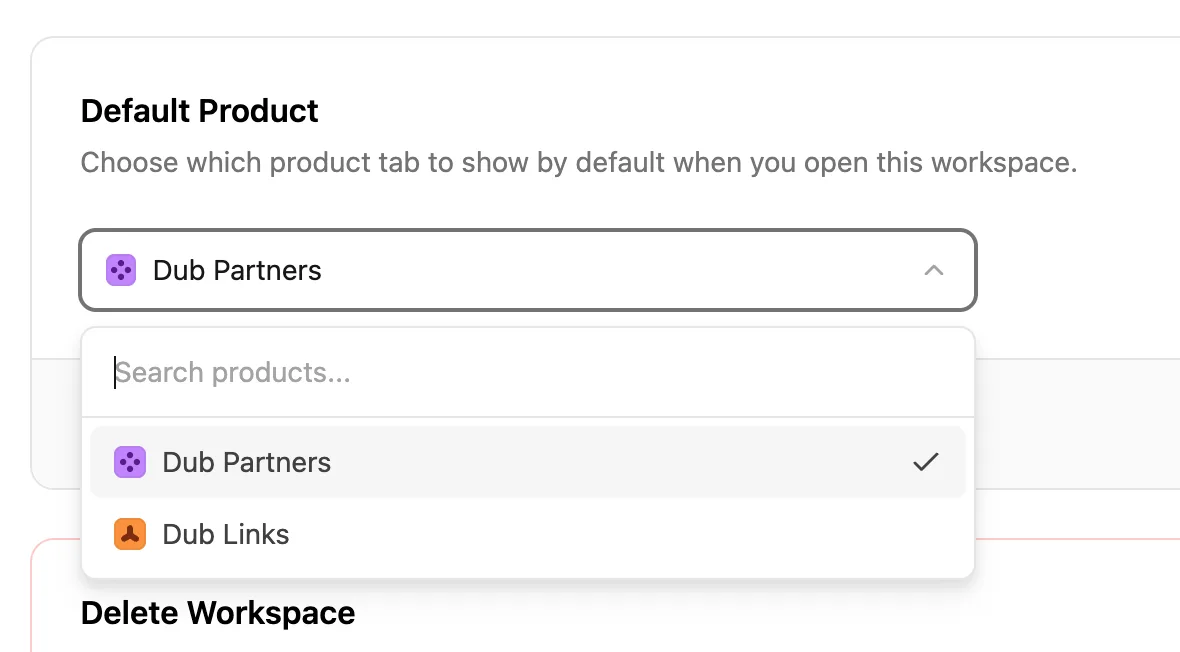
On Dub, you can choose which product tab (Dub Partners or Dub Links) is shown by default when you open your workspace.
Here's how to change the default product in your workspace:
- Go to your workspace settings by clicking on the gear icon in the sidebar (or visit
https://app.dub.co/<workspace-slug>/settings). - Scroll down to the Default Product section.
- Select the product you want to set as the default from the dropdown.
- Click Save changes to apply your selection.
That's it! The next time you or a teammate opens this workspace, Dub will load the product tab you selected.
Note
Only workspace owners and members with write access can change the default product. Read-only members will see the setting but can't update it.