

With Dub, you can easily set up redirects on a subpath of an existing domain.
This is useful if you are already using the domain for your website/app and only want to use Dub for a specific subpath.
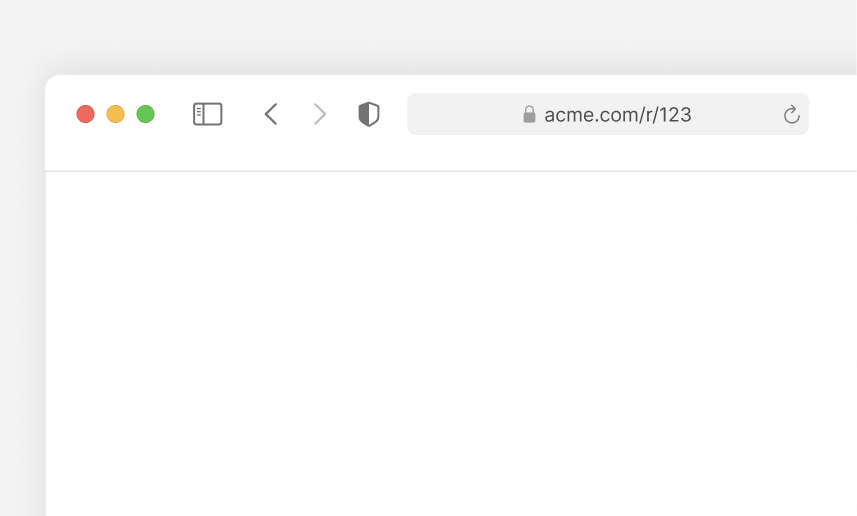
For example, if you have a website at acme.com and want to add link-sharing features under acme.com/r/ (e.g. acme.com/r/123), you can use Dub to handle the redirects for this subpath without affecting the rest of your website.
Step 1: Add a subdomain to Dub#
First, you need to add a subdomain of your existing domain to Dub.
For example, if your domain is acme.com, you can add a subdomain like r.acme.com.
You can follow these steps to add a subdomain to Dub.
Step 2: Configure rewrites/redirects#
Once you've added the subdomain, you can use rewrites or redirects to mask the subdomain and handle the redirects on the subpath.
There are a few ways to configure this, depending on your application framework/hosting provider.
Using Next.js#
If you are using Next.js, you can use the rewrites property in your next.config.js file to configure subpath redirects.
Using Nuxt#
If you are using Nuxt, you can use Nuxt's server route feature to configure subpath redirects.
First, create a new catch-all route in the respective subpath: server/routes/r/[...slug].ts
Then, in the route, add the following code:
Using Vercel#
If you're using Vercel, you can use the rewrites property in your vercel.json file to configure subpath redirects.
Using Netlify#
If you're using Netlify, you can use the redirects property in your _redirects file to configure subpath redirects.
Using Cloudflare#
If you're using Cloudflare, you can use the Redirect Rules feature to configure subpath redirects.
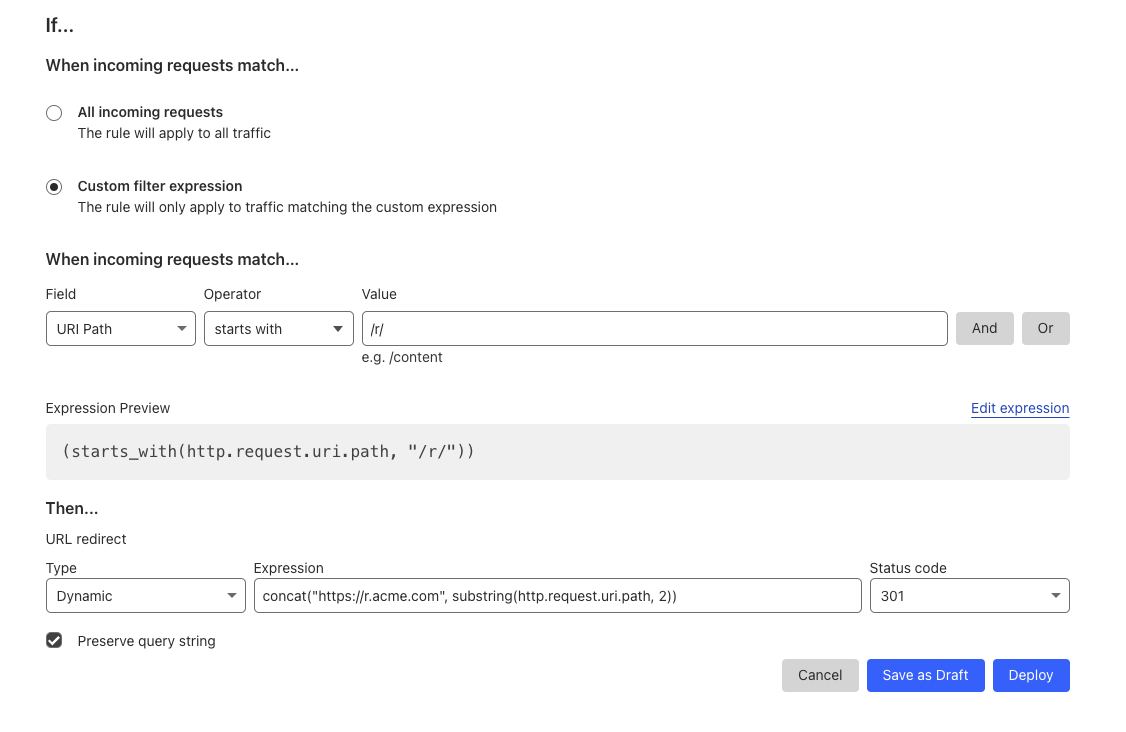
- Go to your Cloudflare dashboard for your website and click on Rules > Redirect Rules.
- Click on Create Rule.
- Give your rule a name, e.g. "Redirect subpath".
- Under When incoming requests match:
- Select Custom filter expression
- Field: URI Path
- Operator: starts with
- Value:
/r/
- Under Then:
- Type: Dynamic
- Expression:
concat("https://r.acme.com/", substring(http.request.uri.path, 3)) - Status code:
301 - Preserve query string: ✔️
- Click on Deploy.
The number in the substring function in the Expression field should be
equal to the number of characters in the subpath. In our case, the subpath is
/r/ which has 3 characters, so we use substring(http.request.uri.path, 3).
Here's an example of how the rule should look like:
Using Webflow#
If you're using Webflow, you can use the Wildcard redirects feature to configure subpath redirects.
- Go to Site settings > Publishing tab > 301 redirects
- Add a new redirect with the following settings:
- Old path:
/r/(.*) - Redirect to page:
https://r.acme.com/%1
- Old path:
- Click on Save.
Using Squarespace#
If you're using Squarespace, you can use the URL Mappings feature to configure subpath redirects.
- Open the Developer tools panel.
- Click URL mappings.
- Click into the text field and add the following redirect:
- Click Save.